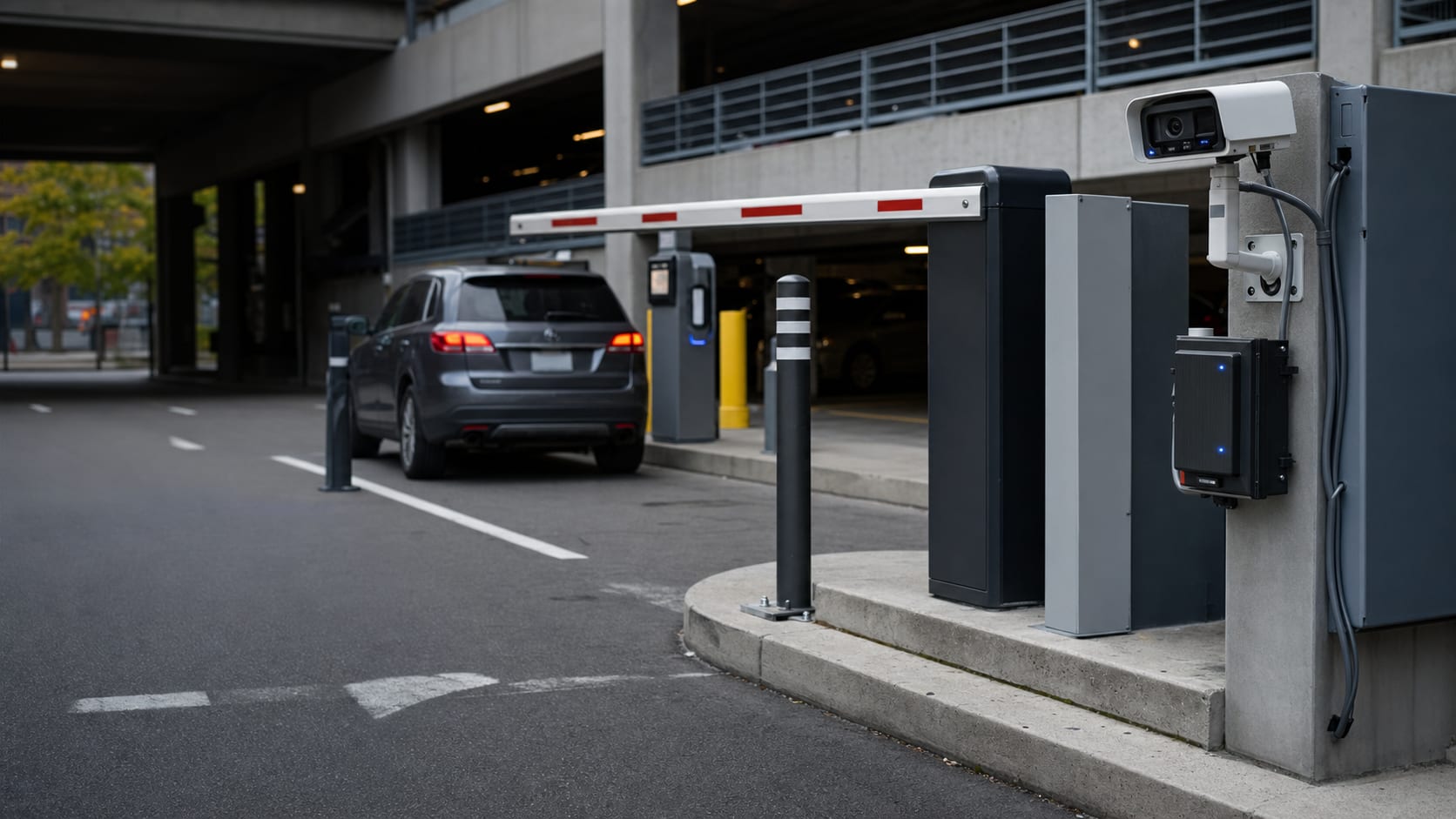
For Parking Operators & Lot Owners

Compare Attendant Costs Against Local Gate Automation.

Automate entry and exit with license plate recognition. ClavePoint does not take a revenue-share fee for the core appliance sale, and core local operation has no required software subscription.

Typical planning model for parking LPR deployments:

Revenue
potential improvement from tighter entry/exit control and fewer manual exceptions
Labor
potential savings when manual checks or attendants are reduced
Payback
modeled from your traffic, staffing, package scope, and enforcement workflow

Planning ranges vary by lot volume, staffing model, enforcement process, and current revenue leakage. Confirm assumptions during the site review.

What ClavePoint Replaces

Parking Attendant

Staffed lanes create recurring labor, benefits, scheduling, and management overhead. ClavePoint packages are scoped to your gate, lane count, and site-specific costs before purchase.

Ticket-Based Systems

Ticket dispensers break. Tickets get lost. Exit disputes eat staff time. Plate events, timestamps, and available image evidence can support billing or dispute review when integrated with your parking workflow.

Revenue Share Agreements

Some parking technology vendors charge revenue-share fees. ClavePoint does not take a revenue-share fee for the core appliance sale; purchase, support, and optional service terms are provided before payment.

After-Hours Gaps

An attendant works a shift. ClavePoint can monitor configured lanes continuously when the local system is powered and operating. After-hours events such as tailgating or unauthorized overnight parking can be logged for review.

Manual Dispute Resolution

Entry and exit events are timestamped and logged. Disputes can often be reviewed faster from the event record than from manual notes, depending on your parking workflow and storage settings.

Subscription-Based LPR

Some competing LPR solutions charge recurring camera or software fees. Bring the recurring and renewal line items from your current quote so the comparison is based on your actual contract terms.

Disputes, after-hours events, and temporary access

Search the Gate Event Before Guessing What Happened

Parking operations need more than a plate string. ClavePoint Read History can open an event record with the decision, camera, direction, confidence, and relay result. When capture image storage is enabled and available, operators can review the vehicle overview image and plate crop together.

Temporary and scheduled access windows also help operators handle vendors, contractors, employees, monthly permit holders, and event parking without leaving every approved plate active all the time.

Dispute review

Search by plate and review the local event record instead of relying only on manual notes.

After-hours events

Logged reads can help staff understand what happened outside staffed periods when the local system is operating.

Temporary passes

Grant access for a date range instead of creating a permanent exception.

Weekly windows

Limit vendor or contractor access to configured days and hours.

ClavePoint Works For

Surface lots with paid parking
Monthly permit parking (office / residential)
Event parking with pre-registered vehicles
Apartment complex tenant parking
Business employee/visitor access control
Self-storage facilities

No Required Core Subscription. No Revenue-Share Fee for the Appliance Sale.

None
Required core local software fee
0%
Revenue-share fee for core appliance sale
Quote
Purchase and service terms before payment

ClavePoint sells you hardware for local gate automation. Payment processing, parking management, support, and optional services are governed by their own written terms.

Automate Your Lot. Keep Your Revenue.

ClavePoint packages are scoped to your lane count, gate compatibility, installation responsibilities, and optional services before purchase.