Local dashboard

Review the Whole Gate Event, Not Just the Plate

ClavePoint gives operators a local dashboard for event evidence, scheduled access, customer-selected retention, and searchable local history. Core gate decisions run locally on the appliance.

Latest Capture
Staged review visual
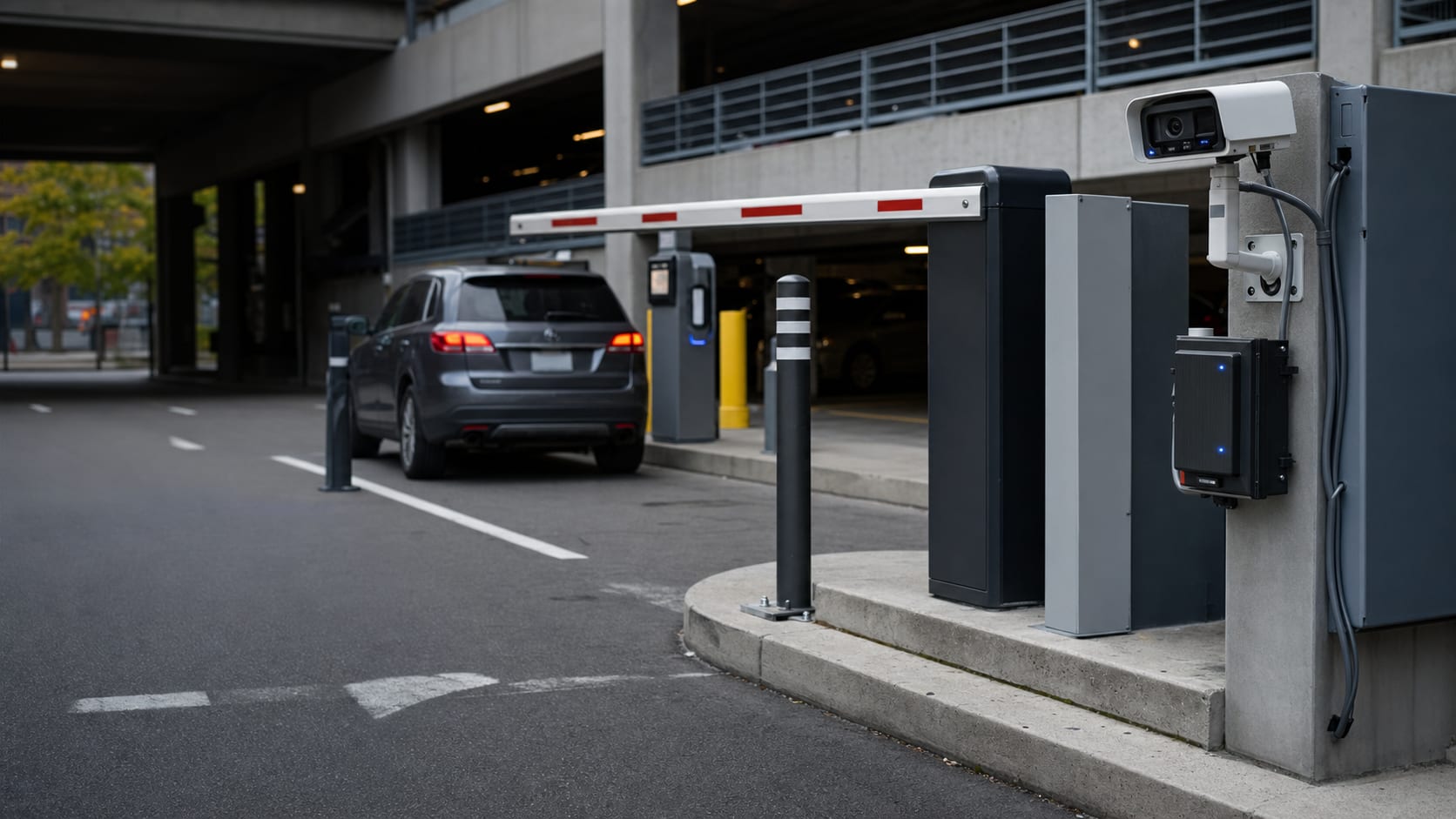
Staged gate lane overview for dashboard feature demonstration
STAGED
Granted: Resident access
Entry lane • local decision
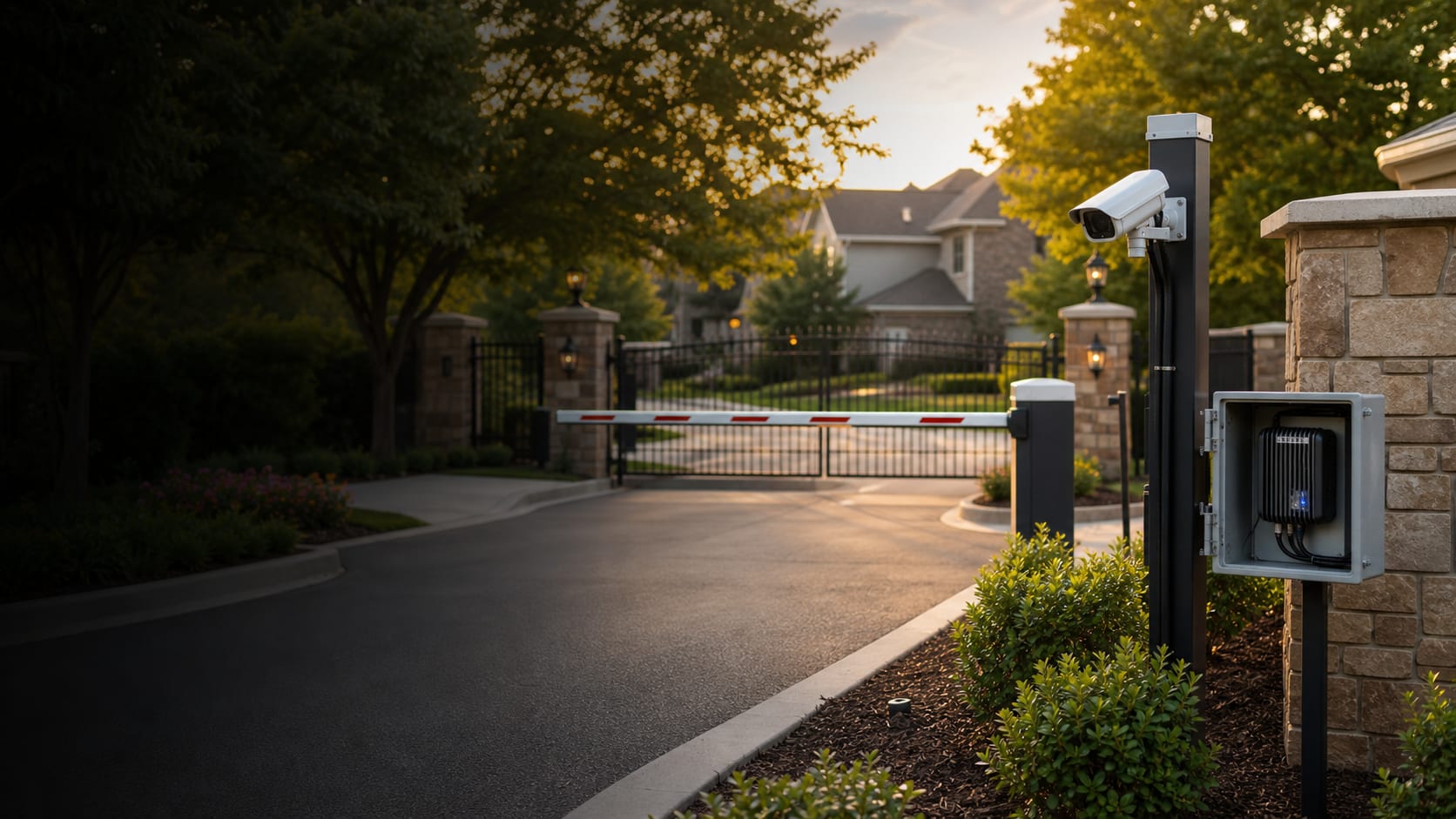
What operators can review

Evidence, Schedules, and Policy Controls in One Local Workflow

The local dashboard helps operators review vehicle-overview evidence, event details, scheduled access records, and customer-selected retention while keeping setup and network checks in administrator-only areas.

Latest Capture

Show the vehicle overview image when capture image storage is enabled and an overview image is available.

Event Detail

Review the decision reason, confidence, camera, direction, lane, and relay result; when stored images are available, review the vehicle overview and plate crop too.

Scheduled Access

Create resident, guest, vendor, staff, and contractor records with expiration dates or weekly windows.

Retention Controls

Choose whether capture images are stored and how long event records are retained.

Event Detail evidence

Search a Plate and Open the Full Gate Event

Read History can open a detail view that shows what happened at the gate: the decision, camera, direction, confidence, and relay result. When stored images are available, operators can review the vehicle overview and plate crop together.

This helps HOAs, car washes, and parking operators review access disputes or lane questions without presenting internal diagnostics as a routine operator feature.

Event Detail: staged record
Granted
Staged vehicle overview image in dashboard event detail
Staged plate crop
Decision reason
Approved resident plate
Relay result
Gate A pulsed
Confidence
When reported
Camera
Entry Cam 1
Direction
Entry
Capture images
Stored when enabled
Access schedules

Give Temporary Access Without Leaving Every Plate Active

Operators can separate everyday resident or member access from guests, vendors, contractors, and staff. Temporary passes and weekly windows reduce manual gate-code churn and support cleaner access review.

Example scheduled access records.
Type Example Schedule Buyer value
Resident Primary household vehicle Always active Routine access without a shared code.
Guest Weekend visitor Expires Sunday night Temporary access closes automatically.
Vendor Pool or landscape service Mon-Fri business hours Recurring access without all-hours approval.
Contractor One-day repair crew Single date window Project access can expire after the job.
Retention and administrator controls

Keep Storage Policy and Setup Controls Clear

Capture image storage is customer-controlled. Stored capture images follow the selected retention policy, and image storage should be enabled only when the operator has reviewed its policy needs.

Setup, readiness, and deeper operational checks are administrator surfaces; demo visuals use staged or redacted plate and setup data.

Event retention

Event records are retained according to the customer's selected policy.

Capture image storage

Vehicle overview and plate crop images appear only when stored and retained.

Role-based access

Routine operators see access work; administrator-only controls stay separate.

Demo visuals

Demo images are staged or redacted so real plates and setup details are not exposed.

Walk Through the Dashboard With Your Gate Workflow

Bring your access types, guest/vendor rules, and retention expectations. We will map them to the local dashboard workflow during review.

Request Walkthrough